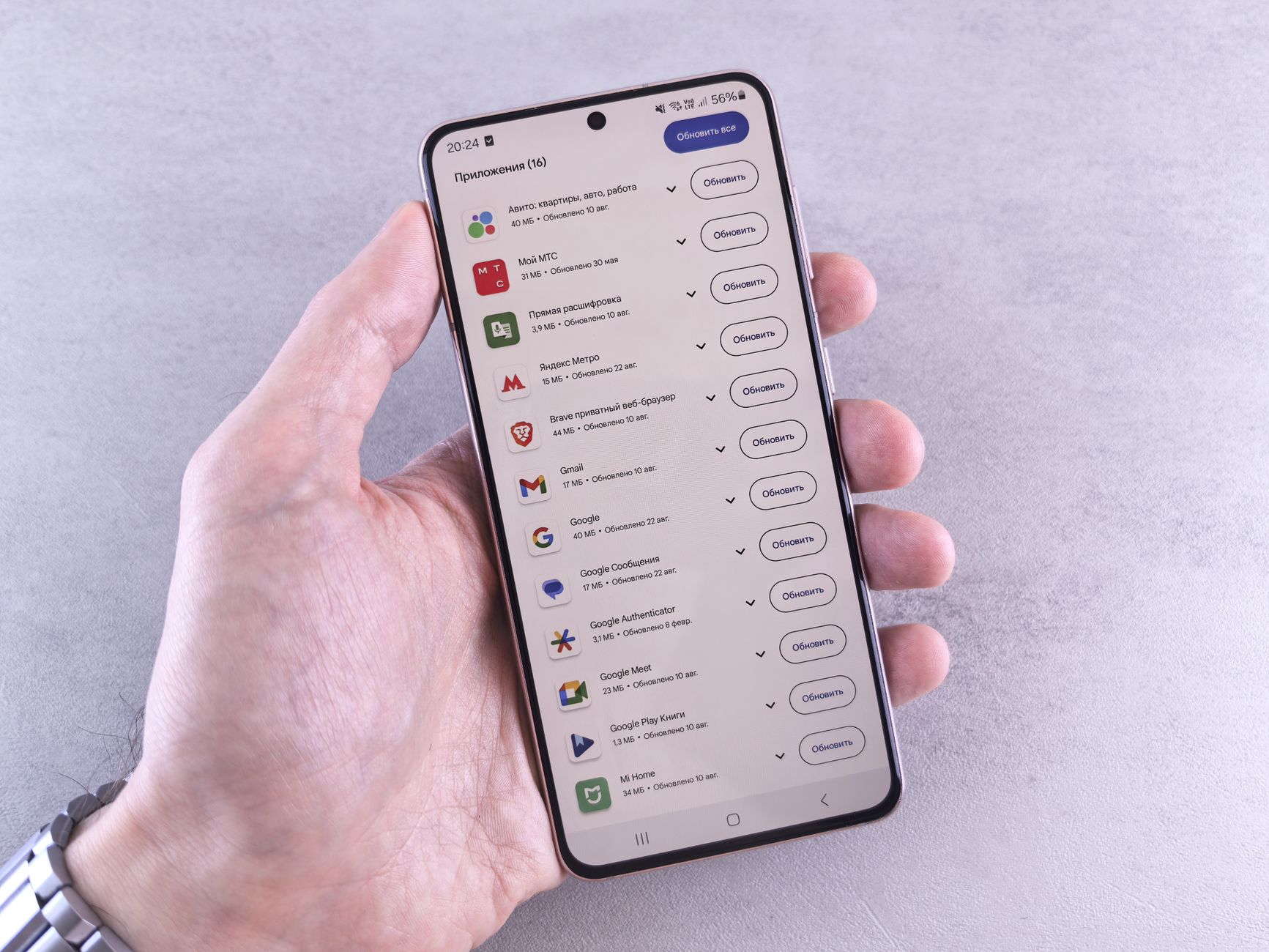
The iOS 27.1 update is set to enhance the user experience for Apple devices. With this update, users can expect a range of new features and improvements that will make their iPhone experience even better.
What’s New in iOS 27.1?
The latest update, iOS 27.1, brings a host of exciting features and improvements designed to enhance user experience on iPhones. Apple has focused on refining performance and introducing new functionalities that cater to user needs.
Among the standout features in the iOS 27.1 update are:
- Enhanced Privacy Controls: Users can now enjoy more transparency regarding app permissions, giving them greater control over their personal data.
- Revamped Notifications: The notification system has been streamlined, making it easier to manage alerts and reducing clutter on the lock screen.
- Improved Battery Management: A new battery optimization feature allows users to track usage patterns and extend battery life.
- Advanced Camera Features: The update introduces new filters and enhancements for photography enthusiasts, enabling even more creative possibilities.
- Updated Widgets: Users can now customize their home screen widgets further, adding a personal touch to their device.
These enhancements in the iOS 27.1 update underline Apple’s commitment to continuously improving the iPhone experience for its users.
Key Features to Explore
The highly anticipated iOS 27.1 update brings a host of impressive features that enhance user experience across various devices. Here are some of the key features to explore:
- Improved Battery Management: The update introduces smarter algorithms that optimize battery usage, ensuring longer life between charges.
- Enhanced Privacy Settings: Users can now enjoy more granular control over app permissions, providing better protection of personal data.
- Revamped Home Screen Widgets: Widgets have received a fresh look, making it easier to access information at a glance while maintaining a clean aesthetic.
- New Accessibility Features: iOS 27.1 enhances accessibility options, allowing users with disabilities to navigate their devices more efficiently.
- Improved Siri Functionality: Siri’s responses are now more contextual and intuitive, making interactions feel more natural.
With these enhancements, the iOS 27.1 update is set to elevate how users interact with their devices, ensuring a more seamless experience.
Performance Improvements
The iOS 27.1 update brings a series of performance improvements designed to enhance the overall user experience on compatible devices. Users can expect their iPhones to operate more smoothly, with faster app launch times and improved responsiveness across the system.
Key enhancements include:
- Optimized Battery Usage: Users will notice longer battery life during daily tasks, thanks to refined background processes that reduce power consumption.
- Enhanced System Stability: The update addresses previous bugs that may have caused crashes or slowdowns, ensuring a more reliable performance.
- Faster Software Updates: Future updates will be delivered more efficiently, minimizing downtime and allowing users to get back to their tasks quickly.
- Improved Graphics Rendering: Gaming and multimedia experiences are noticeably better, with smoother graphics and reduced lag during intensive use.
Overall, the iOS 27.1 update focuses on delivering a refined and efficient performance that users are sure to appreciate, making their devices feel more responsive than ever.
User Feedback on iOS 27.1
User feedback on the iOS 27.1 update has been largely positive, with many users praising its new features and enhanced performance. Early adopters have taken to social media and forums to share their experiences, highlighting several standout improvements.
- Enhanced Battery Life: A significant number of users have reported extended battery performance, allowing them to use their devices for longer periods without needing a charge.
- Improved App Functionality: Many applications are now running smoother, with fewer crashes and faster load times, providing a more seamless user experience.
- New Customization Options: The update has introduced various customization features, enabling users to personalize their home screens and settings more than ever before.
- Bug Fixes: Feedback indicates that several existing bugs have been resolved, leading to an overall more stable system.
Overall, the iOS 27.1 update seems to be well-received, with users eager to explore all it has to offer and share their thoughts on its performance and new capabilities.
How to Update Your iPhone
Updating your iPhone to the latest software version is a straightforward process. To ensure you can enjoy all the new features of the iOS 27.1 update, follow these simple steps:
- Connect to Wi-Fi: Before starting the update, make sure your device is connected to a reliable Wi-Fi network to avoid using cellular data.
- Check Battery Life: Ensure your iPhone has at least 50% battery life or connect it to a power source during the update.
- Open Settings: Go to the Settings app on your iPhone.
- Select General: Tap on the “General” option to access your device’s software settings.
- Software Update: Tap on “Software Update.” Your iPhone will check for the latest version, and if iOS 27.1 is available, you’ll see an option to download and install it.
Follow the prompts to complete the installation, and enjoy all the enhanced features and improvements that come with the update!
Expected Release Date
As tech enthusiasts eagerly await the iOS 27.1 update, speculation about its release date continues to circulate. Apple traditionally follows a pattern of releasing major updates in the fall, often coinciding with new hardware announcements. Based on past trends, many experts predict that the official rollout of iOS 27.1 could occur in late October 2023.
In addition to the anticipated features and improvements, Apple is likely to offer a phased rollout. This means some users may receive the update earlier than others, depending on their device model and geographical location. Apple generally begins the update process with newer devices before gradually making it available to older models.
To keep users informed, Apple often provides updates through their official channels, including their website and social media platforms. Staying connected to these sources will ensure you receive the latest information on the exact release date and any potential delays.
In summary, while an official date has yet to be confirmed, the iOS 27.1 update is expected to debut soon, and users should prepare for an exciting upgrade.
via Wikimedia Commons