HomeView 27.2 features have just been released, bringing exciting updates that enhance the overall user experience. Apple has shared detailed release notes outlining these changes.
Overview of HomeView 27.2 Features
The release of HomeView 27.2 brings a host of exciting features aimed at enhancing user experience and connectivity within smart homes. With this update, Apple has introduced several improvements that focus on usability and functionality.
Key highlights of HomeView 27.2 features include:
- Enhanced Compatibility: The update ensures broader compatibility with third-party devices, allowing users to seamlessly integrate their existing smart home gadgets.
- Improved User Interface: A more intuitive interface makes navigation simpler, providing users with quicker access to their favorite features.
- New Automation Options: Users can now create more complex automation scenarios, allowing for personalized smart home experiences.
- Enhanced Security Features: The update includes robust security enhancements to safeguard user data and privacy.
Overall, the HomeView 27.2 features represent a significant step forward in creating a more cohesive and user-friendly smart home ecosystem.
User Feedback on HomeView 27.2
User feedback on HomeView 27.2 has been overwhelmingly positive, with many users praising the new functionality and enhancements. The update has introduced several features that streamline the user experience, making it more intuitive and efficient.
Many users have expressed excitement over the improved interface, which is more responsive and visually appealing. Specific highlights from the feedback include:
- Enhanced Accessibility: Users appreciate the new accessibility options that allow for easier navigation.
- Smart Integration: The seamless connection with various smart home devices has been a significant improvement.
- Customizable Settings: The ability to personalize settings has garnered positive remarks.
Overall, the response to HomeView 27.2 features indicates that Apple has successfully addressed user needs, making the update not just a routine release, but a significant upgrade worth considering.
How to Update to HomeView 27.2
Updating to HomeView 27.2 is a straightforward process for users looking to take advantage of the new features. To begin, ensure that your device is connected to a stable Wi-Fi network. Next, navigate to the Settings app on your device. From there, select General and then tap on Software Update. Your device will check for available updates, and if HomeView 27.2 is listed, simply follow the on-screen prompts to initiate the download and installation process.
Once the update is complete, you can explore the various enhancements and improvements included in HomeView 27.2. It’s recommended to restart your device after installation to ensure all features function optimally. Additionally, check for any app-specific updates in the App Store to maximize your experience with the latest HomeView 27.2 features.
By following these steps, users can seamlessly transition to the latest version and enjoy all the improvements HomeView 27.2 has to offer.
Comparing HomeView 27.2 to Previous Versions
The release of HomeView 27.2 brings several enhancements compared to its previous versions, making it a notable upgrade for users. While earlier iterations focused primarily on basic functionality, HomeView 27.2 features an expanded set of tools that enhance user experience and streamline home management.
Key differences include:
- Improved User Interface: The latest update offers a more intuitive layout, allowing for easier navigation between different sections.
- New Automation Options: Users can now create advanced automation sequences that were previously unavailable, providing greater control over home devices.
- Enhanced Security Features: HomeView 27.2 introduces state-of-the-art security protocols, ensuring that user data is better protected.
Overall, the enhancements in HomeView 27.2 features represent a significant leap forward, making it a compelling option for both new and returning users.
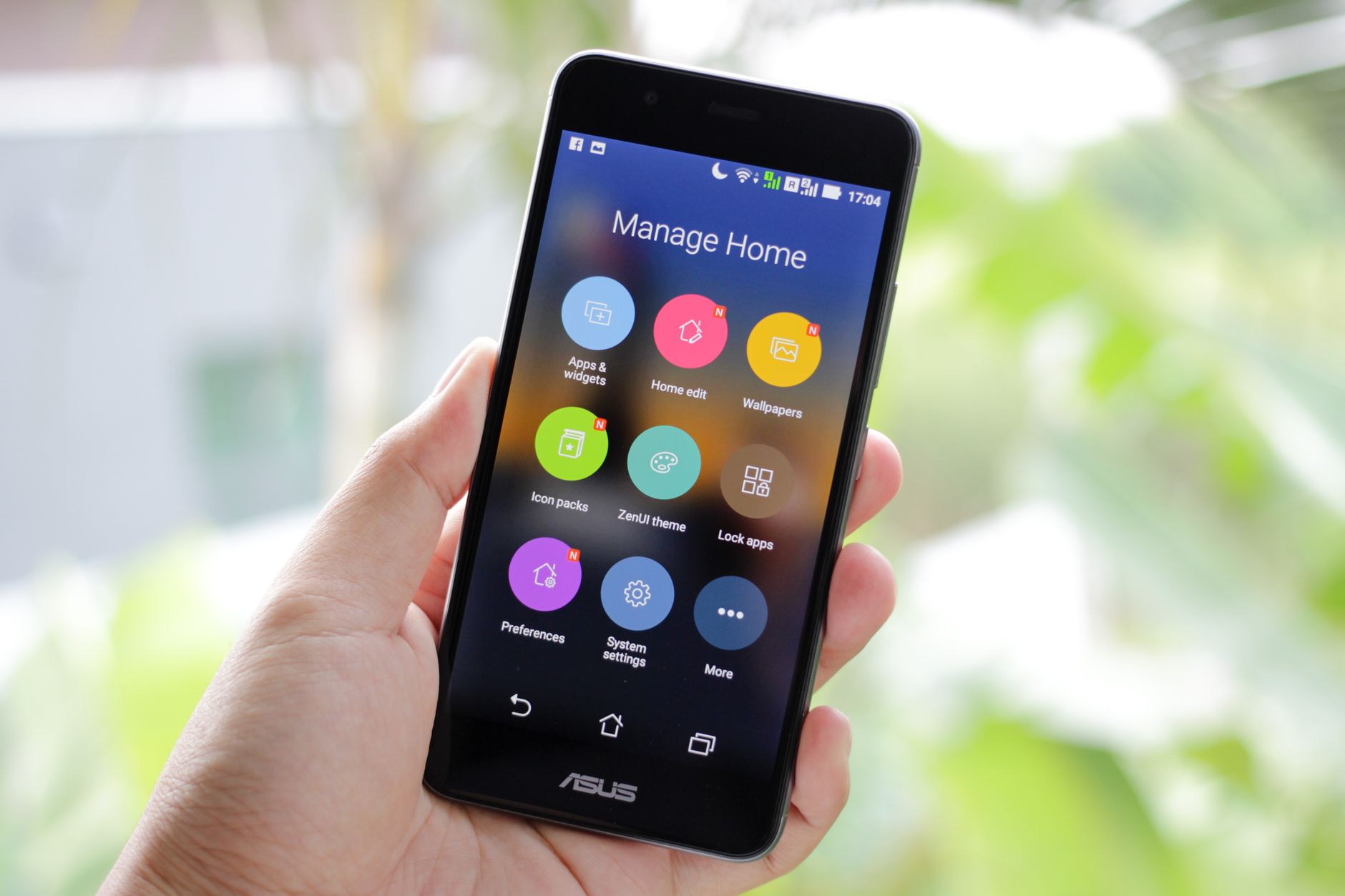
Photo by Pixabay on Pexels
Read the original
Related reading
Is the Pocket Gimbal Camera the Best New Tech Innovation? · Pakistani Astronaut Joins Space Station Mission: A Historic Moment · AI Kaushal Hackathon 2026: Best Proven Innovation Event