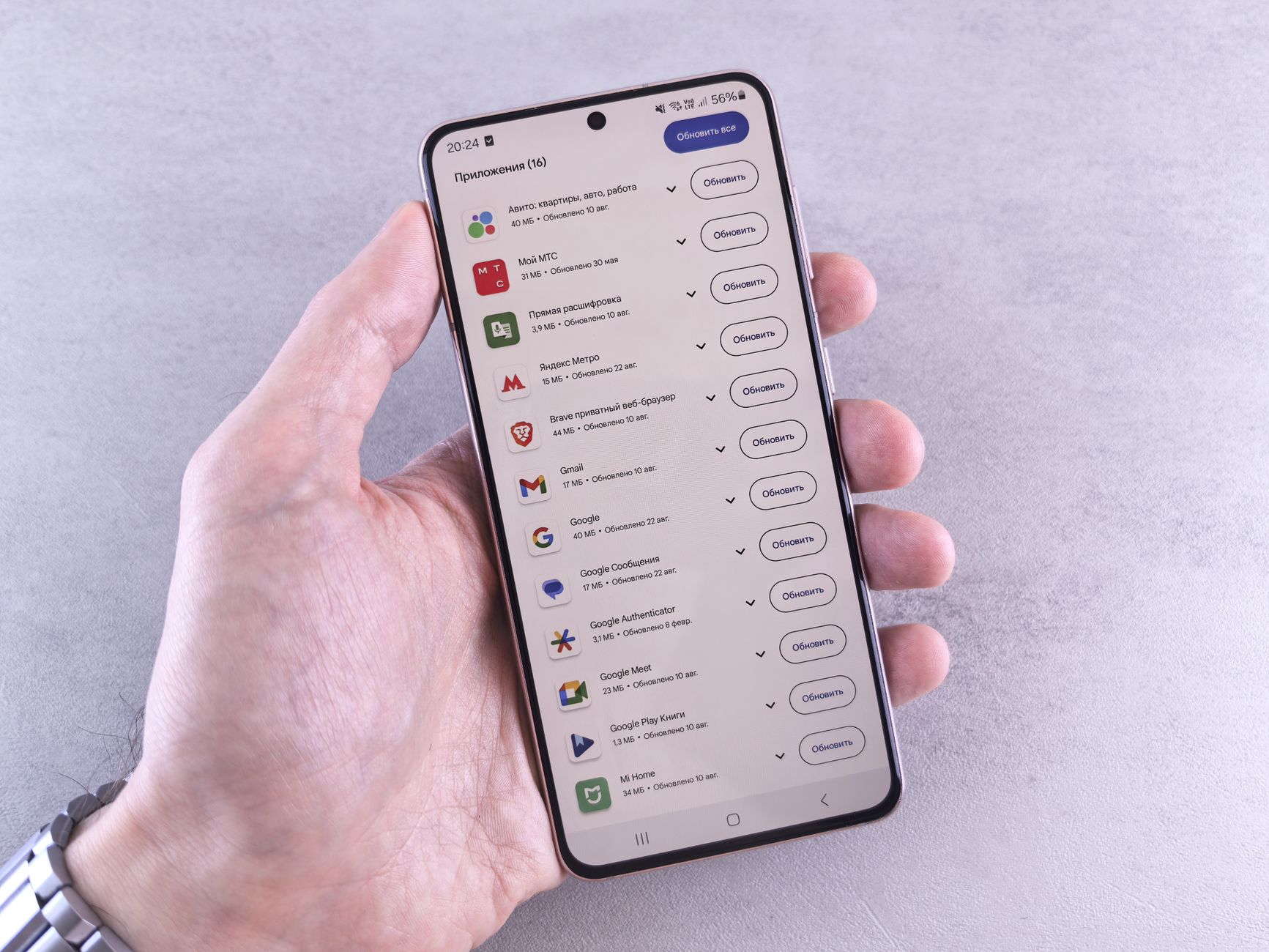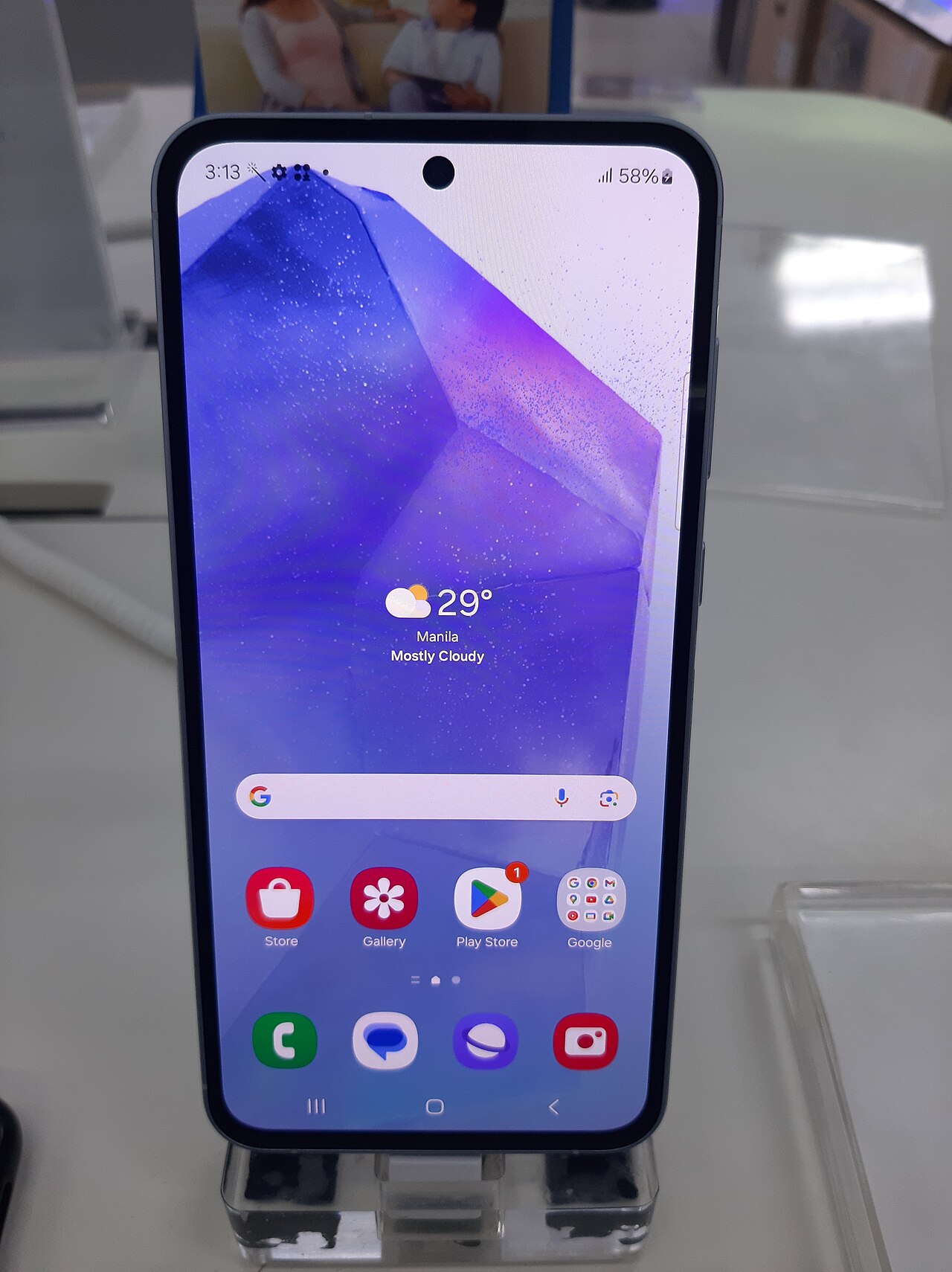
The Galaxy A55 One UI update has officially arrived, enhancing user experience with new features like AirDrop integration. This update promises to improve connectivity and ease of use.
What’s New in the Galaxy A55 One UI Update?
The recent Galaxy A55 One UI update has introduced a variety of exciting new features that enhance the user experience significantly. This stable One UI 9 update not only improves performance but also brings several enhancements that users will appreciate.
One of the most notable additions is the integration of AirDrop-like functionality, allowing seamless file sharing between Galaxy devices. This feature simplifies the process of transferring photos, videos, and other files with just a few taps.
In addition to file sharing, the update includes:
- Improved Privacy Features: Enhanced privacy controls let users manage app permissions more effectively.
- Revamped User Interface: A refreshed design with new widgets and themes provides a modern look and feel.
- Performance Optimizations: The update boosts overall system performance, leading to smoother multitasking and app launches.
- New Camera Modes: Additional shooting modes have been added to enhance photography capabilities.
With these advancements, the Galaxy A55 One UI update positions itself as a substantial upgrade, ensuring that users have access to the latest technology and features available in the marketplace.
How to Enable AirDrop on Galaxy A55
Enabling AirDrop on the Galaxy A55 after the recent One UI update is a straightforward process that brings seamless file sharing to your device. This feature, part of the Galaxy A55 One UI update, allows users to share photos, documents, and more with other compatible devices effortlessly.
To get started, follow these simple steps:
- Open the Settings app: Locate the gear icon on your home screen or app drawer.
- Select Connections: Scroll down in the Settings menu until you find the ‘Connections’ option and tap on it.
- Access Nearby Share: Look for the ‘Nearby Share’ option and select it. This is where you can manage your file-sharing settings.
- Enable Nearby Share: Toggle the switch to turn on Nearby Share, which functions similarly to AirDrop.
- Adjust Visibility: You can choose to be visible to everyone or only to your contacts, depending on your preference.
Once enabled, sharing files is as easy as selecting the content you want to send, tapping the share icon, and choosing the device you wish to share with. With the Galaxy A55 One UI update, file sharing has never been more convenient.
User Reactions to One UI 9 Features
User reactions to the recent Galaxy A55 One UI update have been overwhelmingly positive, particularly regarding the enhancements introduced with One UI 9. Users have praised the smoothness and speed of the new features, which significantly improve the overall experience of the device.
Many have taken to social media to share their thoughts, highlighting the following key improvements:
- Enhanced Customization: Users appreciate the ability to personalize their devices more than ever, with new themes and widgets that make the interface feel unique.
- AirDrop Integration: The addition of AirDrop functionality has been a game-changer for many, allowing for quick and easy file sharing between devices.
- Improved Performance: Reports indicate that the Galaxy A55 runs smoother, with quicker app launches and reduced lag, thanks to optimizations in the One UI update.
- New Privacy Features: Enhanced privacy settings have given users more control over their data, which has been well-received in the current climate of digital security concerns.
Overall, the Galaxy A55 One UI update has not only brought exciting new features but has also fostered a sense of community among users who are eager to explore and share their experiences with the improvements.
Comparing Galaxy A55 with Other Samsung Models
The Galaxy A55 One UI update has garnered significant attention, especially when compared to other recent Samsung models. Many users are curious about how the A55 stacks up against its siblings like the Galaxy S23 and Galaxy Z Flip 5.
One of the key differences lies in the performance capabilities. The Galaxy S23, equipped with the latest Snapdragon processor, offers superior speed and graphics performance, making it ideal for gaming and multitasking. In contrast, the Galaxy A55, while powerful, is designed more for everyday use, striking a balance between performance and affordability.
Another area of comparison is camera technology. The Galaxy A55 features a capable camera system with impressive software optimizations thanks to the One UI update, but it may not match the advanced camera features found in the flagship models. For instance, the S23 includes advanced night mode and 8K video recording capabilities that the A55 lacks.
Additionally, the display technology varies, with the Galaxy S23 boasting a Dynamic AMOLED panel that enhances color accuracy and brightness. The A55, while it provides a vibrant display, utilizes a slightly less advanced Super AMOLED screen.
Overall, the Galaxy A55 One UI update brings exciting features, but it is essential to consider these differences when comparing it to other Samsung models.
via Wikimedia Commons
Where this came from
AI Platform Launch: Proven Benefits for Nigeria’s Refinery · Instagram Growth Statistics: Understanding Followers, Engagement, and Long-Term Audience Development · OnePlus 15 ColorOS 17 Update: Quick and Proven Benefits