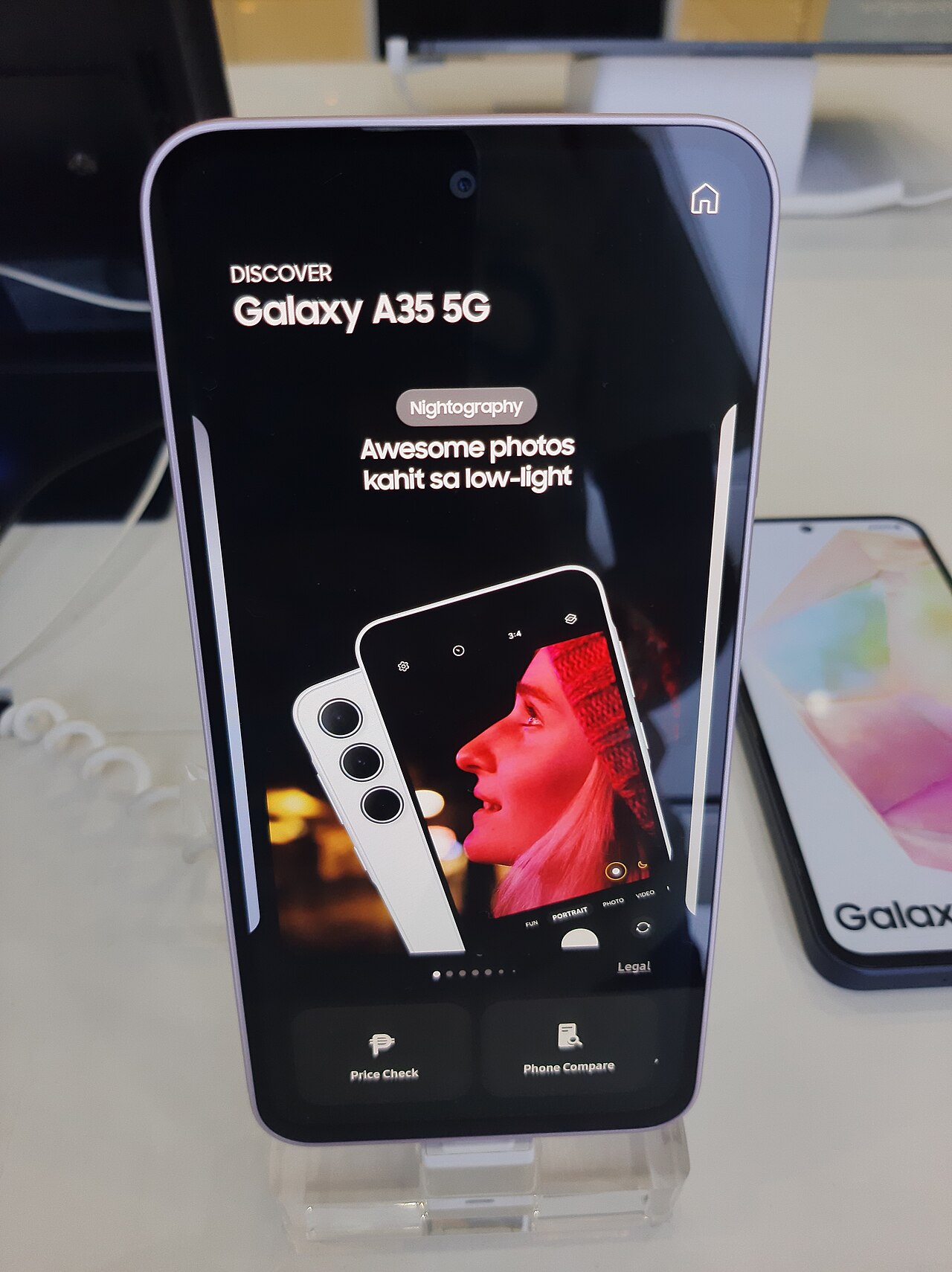
One UI 9.0 features are now available for the Galaxy A35, offering users a premium experience. Samsung continues to enhance its devices with innovative updates that improve usability and performance.
Introduction to One UI 9.0
Samsung has officially unveiled its latest software iteration, One UI 9.0, bringing a host of exciting features that elevate the user experience on devices like the Galaxy A35. This update marks a significant step forward, as it incorporates enhancements that were previously exclusive to premium models, making it accessible to a broader audience.
One UI 9.0 features a refined interface designed for ease of use. With a focus on user accessibility, Samsung has streamlined navigation and improved multitasking capabilities. Users can expect to see:
- Enhanced Customization: The ability to personalize themes and layouts allows users to express their individuality.
- Improved Performance: Faster app launches and smoother transitions ensure a more responsive experience.
- Advanced Privacy Settings: New tools for managing permissions give users greater control over their data.
- Smart Widgets: These adapt to user habits, providing relevant information at a glance.
- Better Battery Management: Features designed to optimize battery life will help users stay connected longer.
With One UI 9.0 features, Samsung demonstrates its commitment to enhancing user satisfaction, making the Galaxy A35 an even more appealing choice for consumers seeking a high-quality smartphone experience.
Key Features of One UI 9.0
Samsung’s latest update, One UI 9.0, brings a host of innovative features to enhance the user experience on the Galaxy A35. This upgrade is designed to provide users with a more intuitive and efficient interface, making everyday tasks easier and more enjoyable.
Here are some of the key features of One UI 9.0:
- Improved Customization: Users can now personalize their devices with a wider array of themes, icons, and wallpapers, allowing for a more tailored experience.
- Enhanced Multitasking: The split-screen functionality has been refined, enabling smoother transitions between apps and increased productivity.
- New Privacy Features: One UI 9.0 introduces advanced privacy settings, giving users more control over their data and app permissions.
- Smart Suggestions: The AI-driven suggestions help users quickly access frequently used apps and features, streamlining the overall navigation.
- Optimized Battery Life: With improved power management, users can expect longer battery life, making the Galaxy A35 a reliable companion throughout the day.
These enhancements make One UI 9.0 a significant upgrade for those seeking to maximize their Samsung experience on the Galaxy A35.
How One UI 9.0 Enhances User Experience
The launch of One UI 9.0 marks a significant upgrade for the Galaxy A35, enhancing the overall user experience in several impactful ways. Samsung has focused on refining the interface to make it more intuitive and user-friendly, catering to both new and existing users.
One of the standout enhancements in One UI 9.0 features is the improved navigation system. The updated layout allows for easier access to essential apps and settings, minimizing the need for excessive scrolling. Users can now enjoy a more streamlined experience, reducing the time spent searching for frequently used functionalities.
Additionally, the integration of AI-driven suggestions within the interface provides personalized recommendations based on user habits. This feature allows for quicker access to apps and functions that users are likely to need at any given moment.
Another notable improvement is in the realm of customization. Users can now personalize their home screens with a wider array of widgets and themes, making it easier to create a unique look that reflects individual style. The updated color palette and design elements add a refreshing vibe to the device.
Overall, with One UI 9.0, Samsung has successfully elevated the Galaxy A35’s user experience, ensuring that it remains competitive in the ever-evolving smartphone market.
Compatibility with Galaxy A35
The latest update to Samsung’s One UI 9.0 brings a range of exciting features that enhance the functionality and user experience of the Galaxy A35. Users can look forward to a seamless integration of both hardware and software improvements, making this device more competitive in the mid-range smartphone market.
One of the standout aspects of One UI 9.0 is its compatibility with the Galaxy A35, which ensures that users can take advantage of all the new enhancements without compromising performance. This update is tailored specifically for the device, optimizing its capabilities to leverage the latest software advancements.
Some of the key features included in the One UI 9.0 update for Galaxy A35 are:
- Revamped User Interface: A cleaner and more intuitive layout that enhances navigation.
- Improved Dark Mode: A more comprehensive dark mode that reduces eye strain and saves battery life.
- Enhanced Camera Features: New photography options that allow users to capture stunning images.
- Privacy and Security Enhancements: Advanced settings that give users more control over their data.
The One UI 9.0 features not only elevate the Galaxy A35 but also demonstrate Samsung’s commitment to providing a premium experience across its device range.
User Feedback on One UI 9.0
User feedback on One UI 9.0 has been overwhelmingly positive, particularly among Galaxy A35 users. Many users have noted significant improvements in performance and usability, making the transition to this latest version feel seamless. The upgrade has introduced a plethora of features that enhance the overall smartphone experience.
One of the most appreciated aspects of One UI 9.0 is its enhanced customization options. Users have expressed excitement over the ability to personalize their devices more easily, with options to tweak themes, icons, and even layouts according to their preferences. This level of customization has made the device feel more personal and tailored to individual needs.
Another highlight from user reviews is the revamped notification system. The integration of grouped notifications has been particularly well-received, allowing for a more organized view of alerts without overwhelming the user. This feature has made it easier for Galaxy A35 users to manage their notifications efficiently.
In addition, users have praised the improved battery management tools introduced in One UI 9.0. The ability to monitor app usage and optimize battery life has been a game-changer, ensuring that the Galaxy A35 remains functional throughout the day.
Overall, the feedback emphasizes that One UI 9.0 features have made a noticeable difference, solidifying the Galaxy A35 as a top contender in its category.
Comparison with Previous Versions
With the release of One UI 9.0, users are eager to compare its features with previous versions to understand the extent of the upgrade. One UI 9.0 features have been designed to enhance functionality and user interaction, making a significant leap from its predecessors.
One of the most noticeable differences is the improved customization options, allowing users to tailor their home screens and app layouts more intuitively. This was a common request from users of One UI 3.0 and 4.0, which offered basic customization but lacked the depth found in the latest version.
Another major enhancement is the introduction of enhanced multitasking capabilities. Users can now open multiple apps in split-screen mode more efficiently than before. In previous versions, multitasking was often clunky, leading to frustration among users trying to juggle various applications.
Additionally, One UI 9.0 introduces smarter notifications and quick access settings, making it easier to manage alerts without disrupting the user experience. While One UI 8.0 had a functional notification system, the latest version brings a more streamlined approach that prioritizes usability.
In conclusion, the comparison between One UI 9.0 and its predecessors highlights a significant evolution in Samsung’s software design, providing Galaxy A35 users with a more refined and powerful mobile experience.
Tips for Upgrading to One UI 9.0
Upgrading to One UI 9.0 can significantly enhance your experience on the Galaxy A35, but there are a few tips to ensure a smooth transition. Here are some essential steps to follow:
- Backup Your Data: Before initiating the upgrade, ensure that all your important files, photos, and contacts are backed up. Use Samsung Cloud or other backup solutions to safeguard your data.
- Check Compatibility: Make certain that your Galaxy A35 is compatible with the latest One UI 9.0 features. This ensures that you can take full advantage of the update without any issues.
- Update Software: Always ensure your device is running the latest version of the operating system before upgrading. Navigate to Settings > Software update > Download and install to check for any pending updates.
- Stable Internet Connection: A stable Wi-Fi connection is crucial for downloading the update. This will prevent interruptions and ensure a quicker download process.
- Explore New Features: After upgrading, take some time to explore the new features and enhancements that come with One UI 9.0. Familiarizing yourself with the interface will help you utilize the new functionalities effectively.
By following these tips, you can enjoy a seamless upgrade experience to One UI 9.0 on your Galaxy A35.
Future Updates for Galaxy A35
The launch of One UI 9.0 has sparked excitement among Galaxy A35 users, not only for its current enhancements but also for the promise of future updates. Samsung has a history of providing consistent software support, and the Galaxy A35 is expected to benefit significantly from this trend.
Future updates for the Galaxy A35 will likely focus on:
- Performance Improvements: Enhancements that optimize system speed and efficiency are anticipated, ensuring users enjoy a seamless experience.
- Security Patches: Regular security updates will be crucial in maintaining user privacy and safeguarding devices against vulnerabilities.
- New Features: Continuous integration of innovative features, such as advanced camera capabilities and enhanced multitasking options, may be rolled out in subsequent updates.
- User Interface Tweaks: Additional refinements to the One UI 9.0 features could improve visual appeal and usability based on user feedback.
Samsung’s commitment to software updates is a significant factor that enhances the longevity of devices like the Galaxy A35. Users can look forward to ongoing support and new functionalities that will keep their devices up to date with the latest technological advancements.
One UI 9.0 features an enhanced user interface that makes navigation smoother and more intuitive for Galaxy A35 users. Additionally, the One UI 9.0 features include improved customization options, allowing users to personalize their devices to suit their preferences.
via Wikimedia Commons